
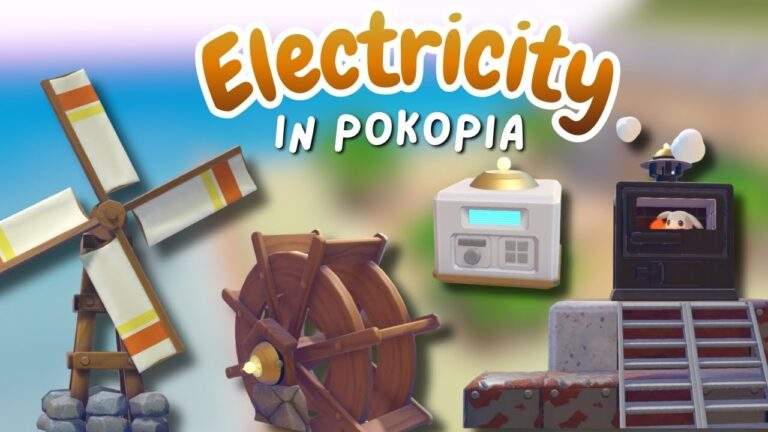
If electricity in Pokopia feels confusing, overwhelming, or just needlessly frustrating, you’re not alone. The system is kind of unintuitive at first, mostly because it is not just “place generator, connect lights.” There are ranges, item limits, and different generators that behave differently.
I’ll break down how every major piece of electricity works, what you can power with it, where you can place it, and the limitations that will trip you up if you ignore them. I’ll also show practical ways to build around those limits, including hiding wireless power transmitters so your builds still look good.
The First Electricity Item: The Furnace (How Much It Powers and What It Costs)
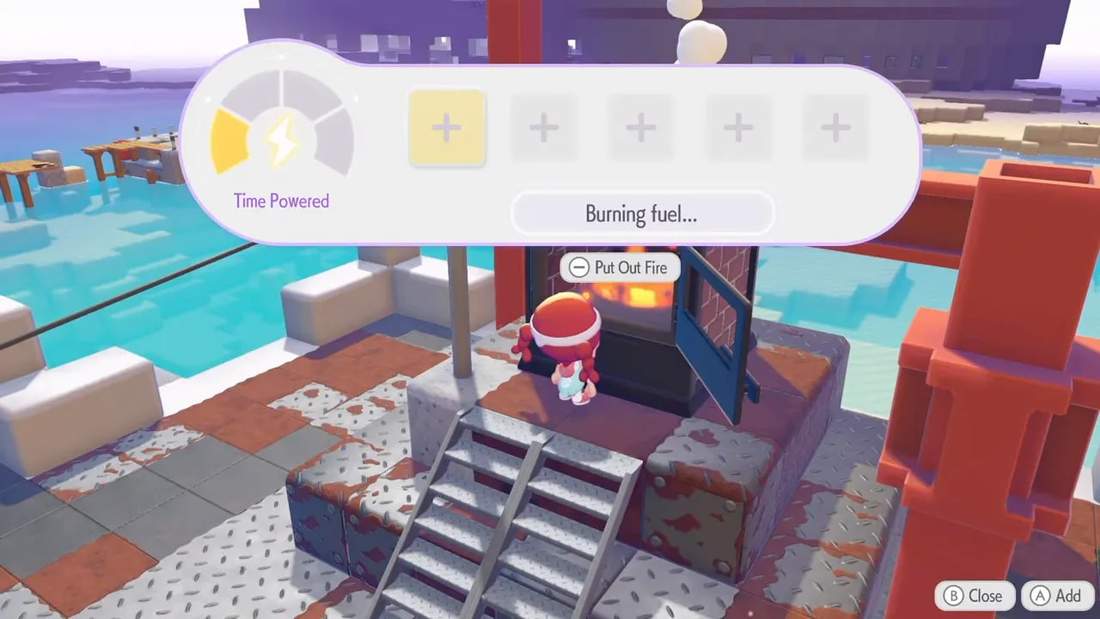
The first electrical setup you’ll run into is the furnace. This is the game’s “manual fuel” generator type. You place things into it, and it burns those items to produce electricity.
In my setup, I added something like 20 of the fluff into the furnace and it stayed powered for a while. The key idea is that unlike some other generators, the furnace requires renewal materials to keep producing power.
Furnace kit details
- Buy location: purchasable at your PC shop after completing the story line with Torch Chick in Bleak Beach
- Cost: about 300 gold
- Build time: 1 hour
- Materials: 15 iron ore and 5 sealass fragments
Once built, the furnace generates 30 units of electricity. That means it can power 30 items total (like lamps or other electrical objects), assuming you connect everything correctly.
Important limitation: “Can power 30” is not the whole story
This is where a lot of people get stuck: the furnace can output 30, but the wiring nodes have their own caps. In particular, utility poles can only power 20 items each. If you overload things, everything connected to that power source can shut off.
Utility Poles: The Wired Connection and Its Exact Ranges
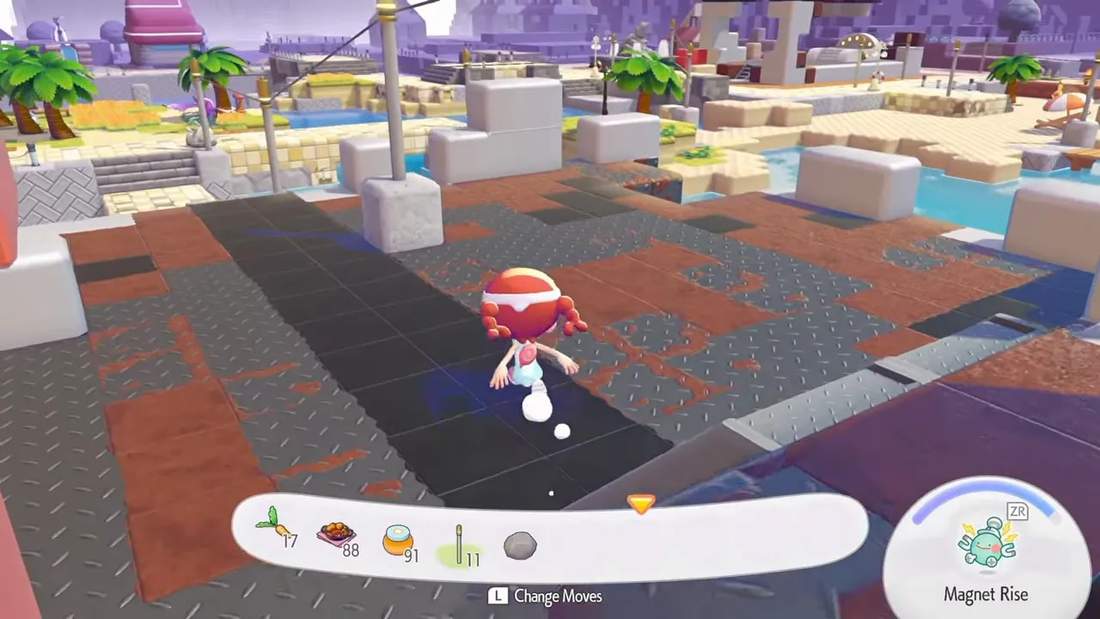
Utility poles are how you route electricity from the generator to actual power-consuming items. If the generator is the power plant, utility poles are the power grid.
Where to get the utility pole recipe
When you place a utility pole, the DIY recipe appears right on top of the block. In other words, the game makes it easy to find how to craft them.
How to craft utility poles
- You can make five utility poles at once
- That craft costs about 2 iron ore and 2 stone per five
- They are described as an “easy” and “cheap” option
Utility pole range rules (this is the part you need to memorize)
To connect a utility pole to what it will power, it cannot be too far away from the thing you are connecting it to.
- Vertical layer limit: it cannot be more than five vertical layers away from what you’re connecting it to
- Horizontal limit: electricity works up to 10 blocks away in a straight horizontal direction from the utility pole
- Vertical direction: it works up to five blocks up or down relative to the utility pole placement
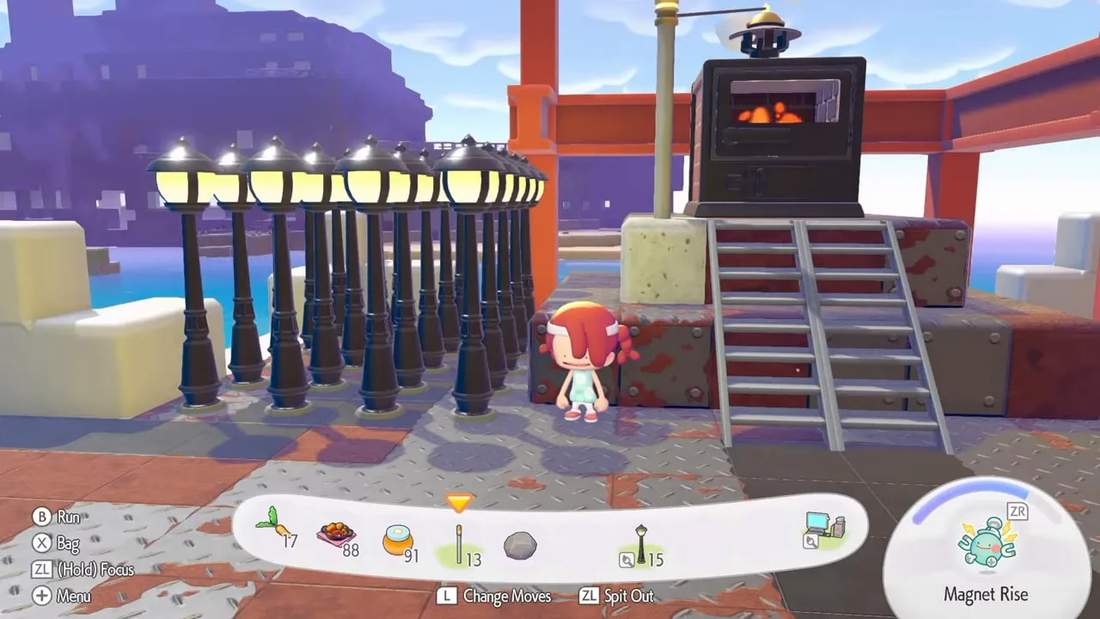
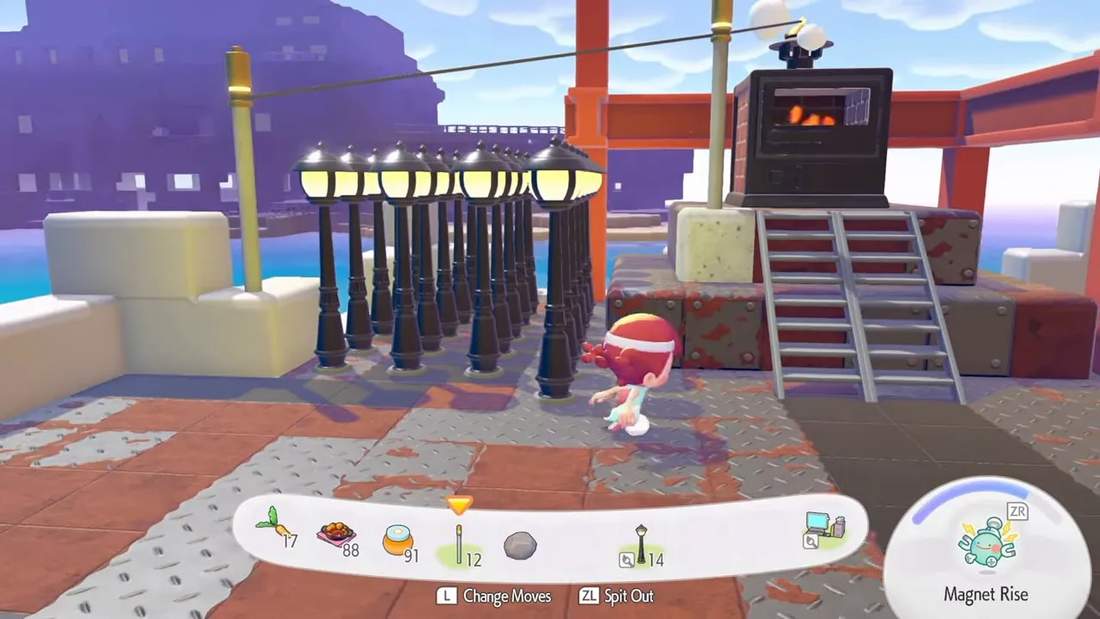
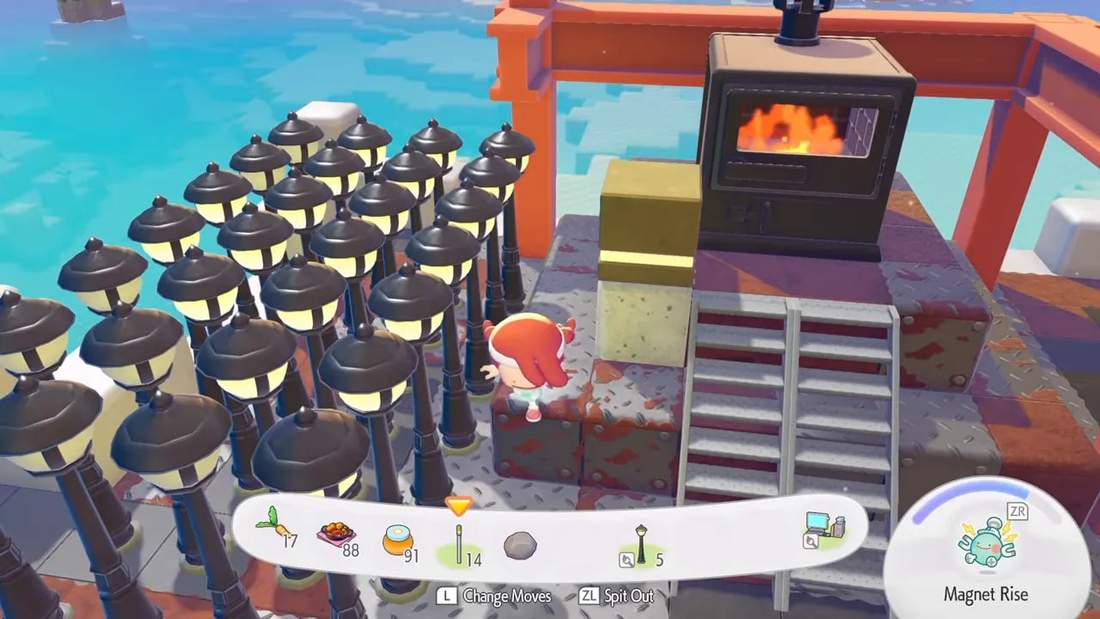
In a clean test, I set up 20 street lamps in rows connected to a single utility pole. They stayed powered as long as the lamps were within that allowed distance. Pick up the utility pole and they all instantly lose power. Place it back down and they electrify again.
The Utility Pole Power Cap: 20 Items Per Pole
Here’s the second critical rule: even if your generator outputs more electricity, utility poles limit how many items you can actually connect.
In practice:
- A furnace can output power for up to 30 items
- But utility poles can only power 20 items each
- If you place another pole and effectively go past the utility pole’s effective capacity, it can disconnect power from every piece of electronics connected to that power source
So the “fully utilize the furnace” setup requires planning. If you want those full 30 electricity units used, you generally need at least two utility poles.
Why you almost always need more poles than you think
Even though two poles is the minimum to reach 30 items, real builds spread items out. Since each utility pole only powers within about 10 blocks, you’ll often end up adding more poles just to cover the space you want lit up.
Connecting Poles to Poles (Extending Your Wired Network)
You don’t have to run every power-consuming item directly from the furnace. You can connect utility pole to utility pole, which helps scale your network.
- You can connect a utility pole to another utility pole up to 15 blocks away
- Utility poles do not count as items powered by the furnace’s 30 limit
That last point matters. In my example, I had 30 street lamps powered, and the utility poles themselves were not “stealing” from that 30 item count. They are part of the connection system, not counted as power consumers.
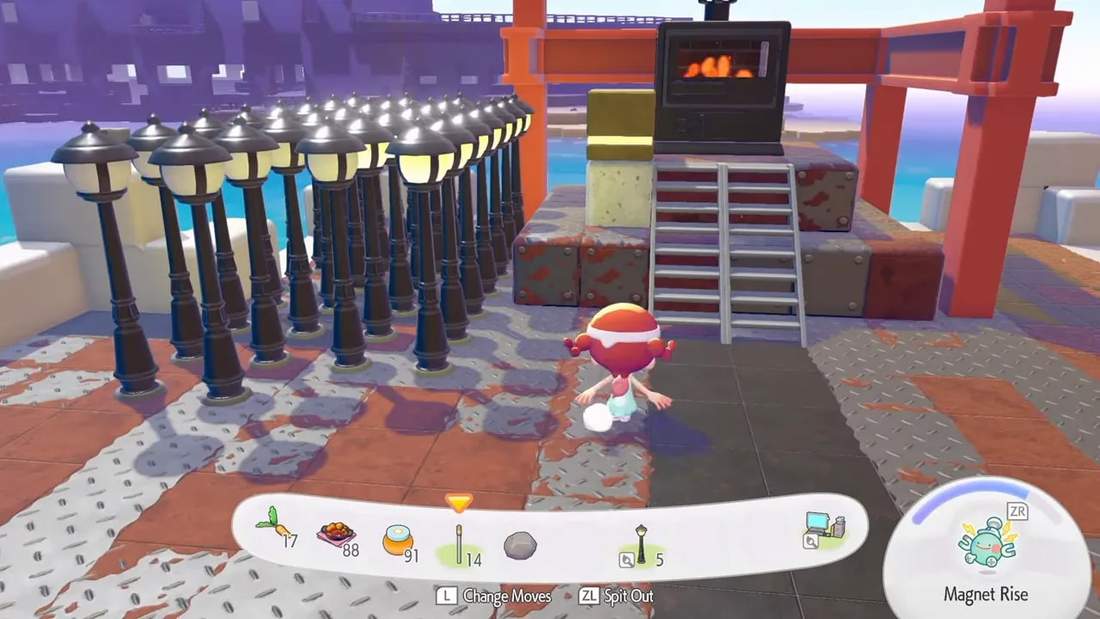
If utility poles feel ugly to you, you’ll like wireless power transmitters. They let you power items without a direct wired line.
How wireless power works
- Wireless transmitters have the same range concept as utility poles
- You can connect wireless transmitters to each other
- They can be hidden because they do not need visible lines everywhere
One of the nicest quality-of-life ideas is that you can tuck these transmitters out of sight. For example, I placed one under the furnace, behind stairs, and even considered hiding them underground to keep builds looking natural.
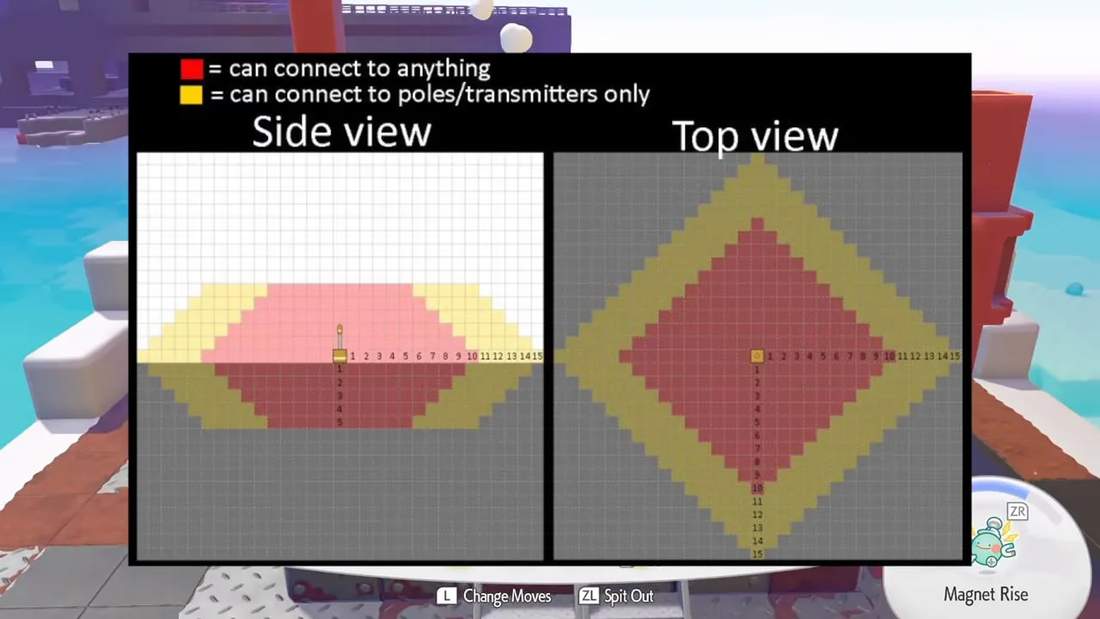
If you want a visual reference for the connection system, I based my understanding on a distance graphic found at serebii.net (the electricity connectivity diagram shows red for item connection range and yellow for transmitter-to-transmitter range).
Water Wheel: Automatic Power With a 20-Item Limit
The next big electrical generator is the water wheel. Unlike the furnace, it generates electricity automatically through water flow. You do not add fuel or renewal materials.
Water wheel kit details
- Cost: about 300 gold
- Materials: 15 lumber and 5 stone
- Build time: 1 hour
- Unlock: you get the ability to buy it in your shop after completing a quest run with Piplup
In Withered Wasteland, the water wheel shows its vibe clearly: it’s powered by the waterfall’s motion. Once placed, it powers a utility pole automatically.
Water wheel power cap
The downside is straightforward: the water wheel can power up to 20 items.
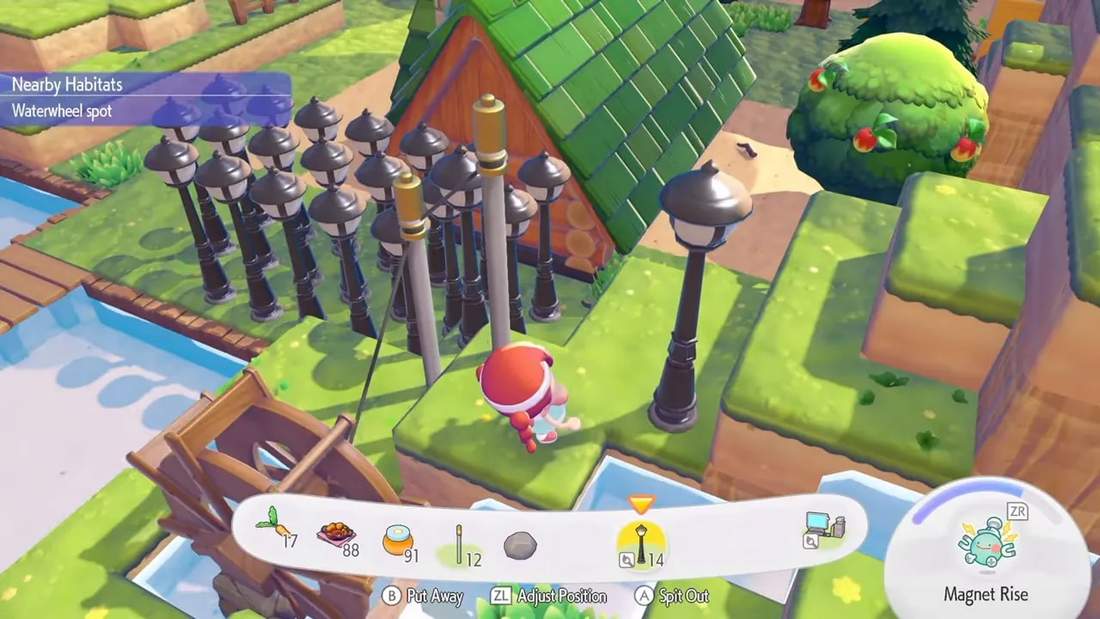
I demonstrated this by placing 20 street lamps. They all stayed powered by a single water wheel. Then I placed another to make 21. At that point, everything went out, confirming the 20-item limit.
Wireless transmitters work with the water wheel too
Just like with utility poles, you can use wireless power transmitters and connect them to each other. The range behavior is the same, and since they are wireless, the transmitter can be hidden.
Hidden underground transmitter example
I also buried a wireless power transmitter: placed it in the ground, covered it with dirt, and the connected items still powered. This is especially useful indoors, where you do not want power wiring or visible devices ruining the look.
Windmill: Elevation Matters (10 or 20 Items)
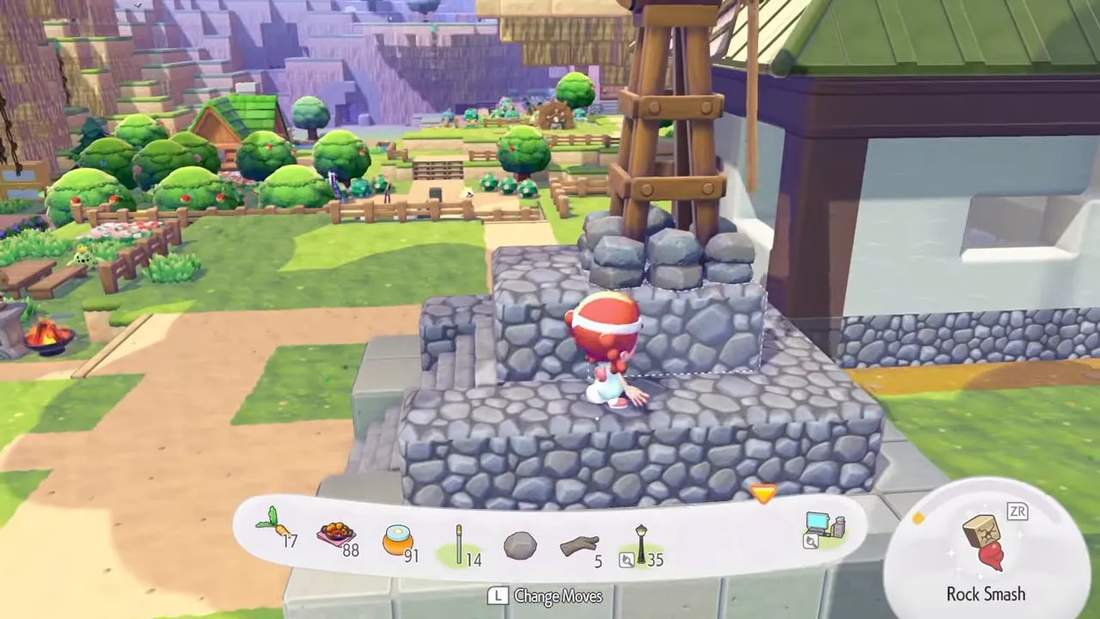
The windmill is a different kind of generator because it cares about where you place it vertically. The game even shows altitude indicators using small moving lines on screen.
When your windmill is at higher elevation, it powers more items. When it’s at ground level, it powers fewer.
Windmill kit details
- Unlock: by progressing the story line in Bleak Beach
- Cost / materials: 5 twine and 5 lumber
- Build: described as fairly simple
How many items the windmill powers
- High altitude windmill: powers 20 items
- Ground level windmill: powers 10 items
This means placement is not cosmetic. It’s directly tied to your electricity output.
Wireless Power Transmitter and Mini Generator: Your “Favorite” Options
Once you start building more complex setups, two items become especially valuable: the wireless power transmitter and the mini generator.
Wireless power transmitter crafting
It is created using one poke metal per transmitter. If you can get a lot of poke metal, you can make a lot of transmitters.
Porygon is required to get wireless transmitters
Porygon is the Pokémon you need to acquire to access wireless power transmitters. You find it in Skylands exclusively, and you need to set up its habitat with:
- Any two tables
- A science experiment
- A computer that is receiving electricity
After you set up the habitat and complete the quest line, it comes pretty quickly.
Mini generator crafting and acquisition
The mini generator is DIY. It also requires one poke metal, but the big difference is:
- It generates electricity by itself
- You build it using the DIY recipe
- You do not need a kit to set it up
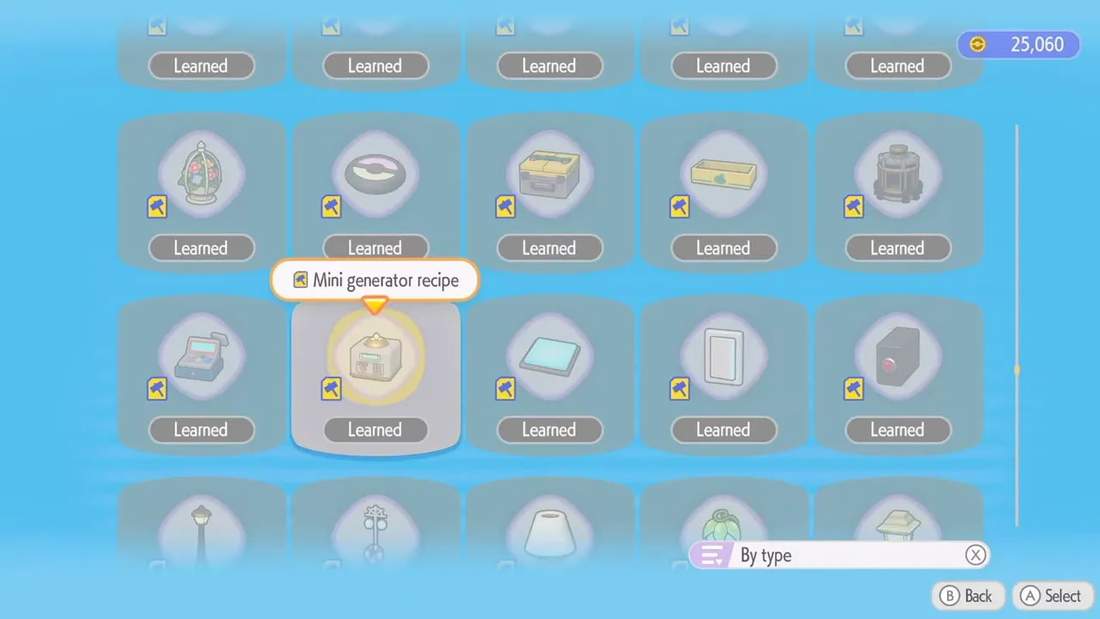
You can buy the mini generator DIY after your Sparkling Skylands reaches environment level 6. If you level it to 6 (or already did), the recipe becomes available in your shop.
Wireless Power Transmitter Switch: Turn Power On and Off
There’s also an item called the wireless power transmitter switch. It looks like your regular power transmitter, but it can be turned on and off.
In practice, I connected the switch to a utility pole that was connected to my furnace. Then I turned it off, and the little Pokeball house lost power. Turn it back on, and it powers again.
This is useful when you want control over power distribution without deleting items or flipping individual connections one by one.
Mini Generator Power Limit: Only 5 Items
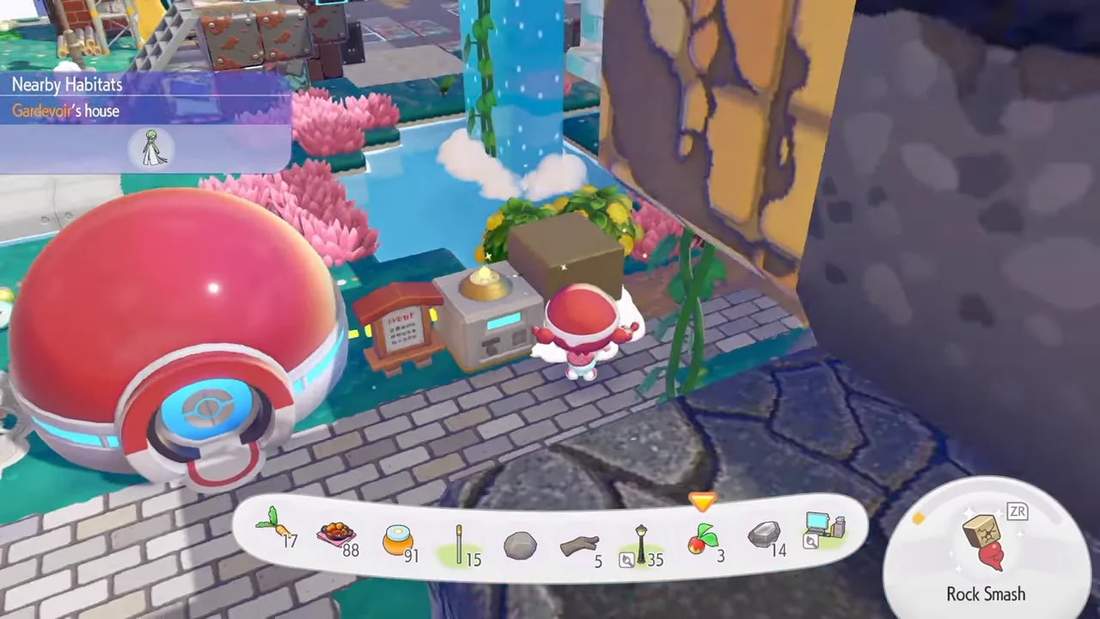
The mini generator is tiny, and it shows in its limit. Because it is miniature, it can only power five items.
I demonstrated the limit by powering a small setup. Once the fifth power consumer was included, the system dropped out when adding more. So treat it as a small localized power source, not a replacement for larger generators.
Some decorative lights do not subtract from the power count
There are items that can be powered without reducing your core electrical item limit. In my case, I saw that:
- surface lights do not take away from the number of powered items
- hanging/string lights also do not detract from the number
This is convenient because many habitats want electricity to function, but you might also want ambience lighting that doesn’t consume your main power budget.
What Each Generator Can Power (A Practical Power Ladder)
When you’re deciding what to build where, the “right answer” is usually based on output and convenience. Here’s the practical descending order of power output and constraints:
- Furnace: up to 30 electrical items, but it requires renewal materials
- Water wheel: up to 20 electrical items, and it is automatic (no renewal)
- Windmill: up to 20 electrical items when placed at high altitude, or 10 at ground level
- Mini generator: powers 5 items, generates electricity by itself, and is wireless by nature of its connection behavior
Also remember the connection caps:
- Utility poles and wireless power transmitters each can only connect to 20 items
- If you are using a furnace (30 item output), you should plan on using multiple poles so the network does not overload
Real Build Tips: Hiding Wireless Power and Scaling Beyond One Area
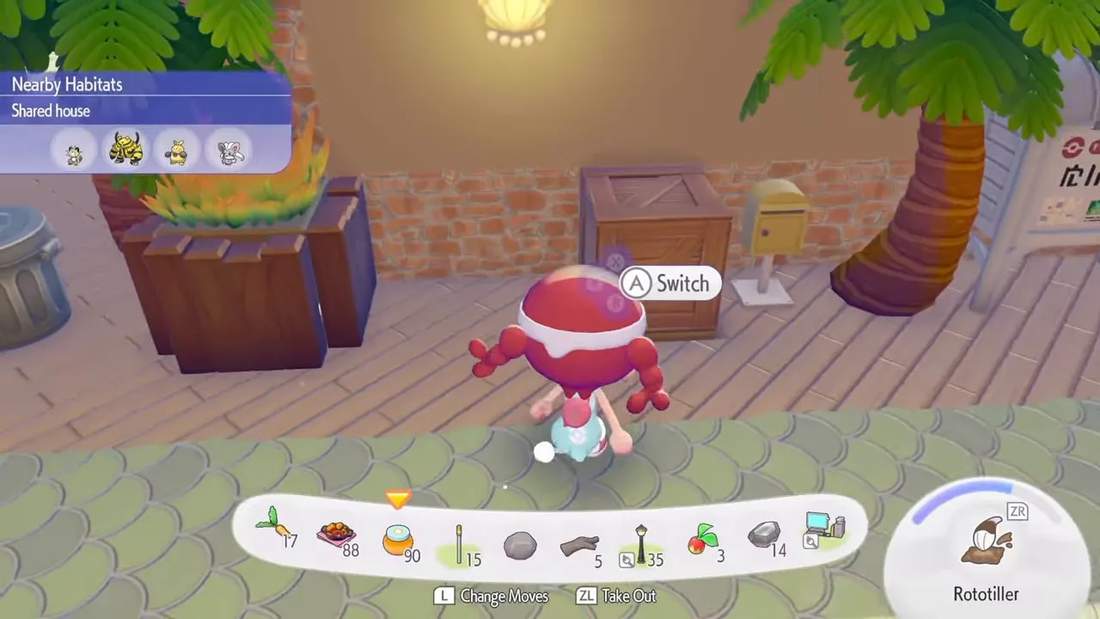
Once electricity is working, the next challenge is making it look good. My favorite trick was hiding wireless power transmitters under the ground, behind decorative objects, and even disguised as planters.
I also noted another important constraint while scaling builds: there’s an upper limit of 256 utility poles or wireless transmitters. After you hit that cap, you can no longer place new ones and they will not do anything. So if you plan a massive island-wide electricity system, build with that limit in mind.
Checklist: Avoiding Common Electricity Mistakes
- Don’t assume generator output equals final item count. Utility poles and transmitters each cap at 20 connections.
- Respect the utility pole range: about 10 blocks horizontally, plus vertical layer restrictions.
- Use utility poles to poles if you need to reach farther locations. Pole-to-pole can extend up to 15 blocks away.
- Water wheel: automatic, but only 20 items.
- Windmill: place it high for 20 items, or keep it low only if you’re okay with 10 items.
- Mini generator: great for small localized setups, but only 5 items.
- Decorative lighting matters. Some decorative lights can be powered without counting against your main electrical item limit.
- Watch the global cap: no more than 256 poles or transmitters overall.
Electricity in Pokopia becomes a lot less intimidating once you treat it like a system with rules instead of a mystery mechanic. Get your generator type right, respect the 20-item connection cap, place poles or transmitters within range, and your whole island starts lighting up in a way that actually makes sense.