
I hit D.G. level 35 and finally got access to the Ordering Machine, so here is my practical Ordering Machine Guide Heartopia that walks you through what it does, how to get order tickets, and the best tricks to make items arrive faster.
What the Ordering Machine does
The Ordering Machine is a vending-style feature unlocked at D.G. member level 35. Use order tickets to pick almost any decor or outfit that appears in Bob’s Shop and pre-order it. You still pay the usual currency — gold or wishing stars — but an order ticket is required to place the request.
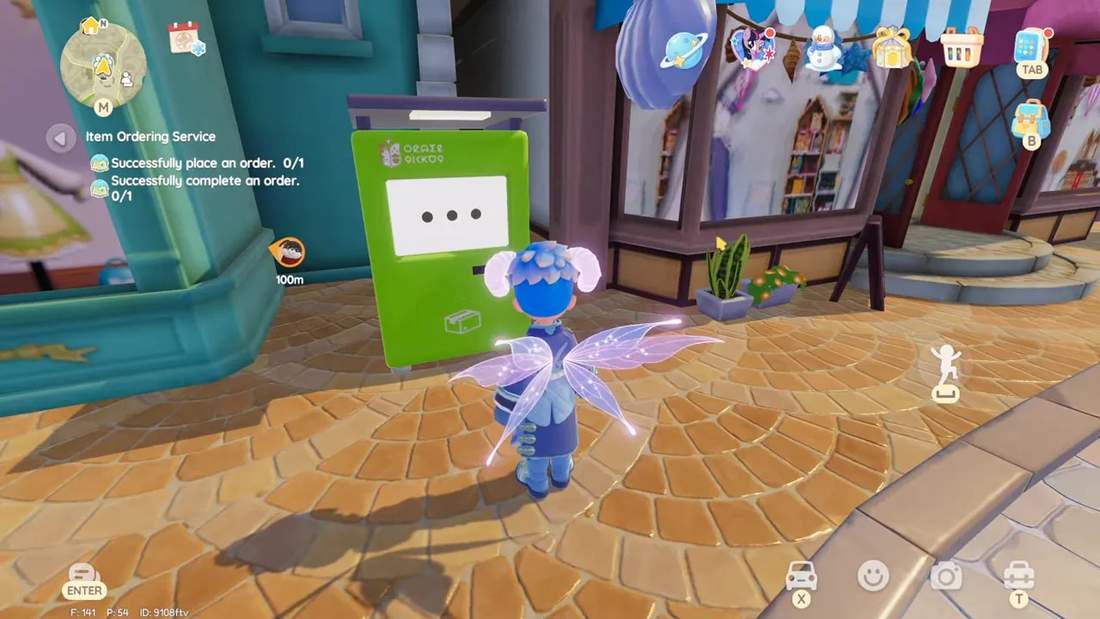
Where to find order tickets and how they work
Order tickets come from surprise gotchas and certain resident requests. They are not guaranteed daily drops, so treat each ticket like a precious pass to get exactly what you want.
- Ticket use: Each ticket orders a single item.
- Payment: You only pay the item cost after the countdown ends at the machine.
- Refunds: If you cancel before completion, your used ticket is refunded.
Catalog and inventory — what you can order
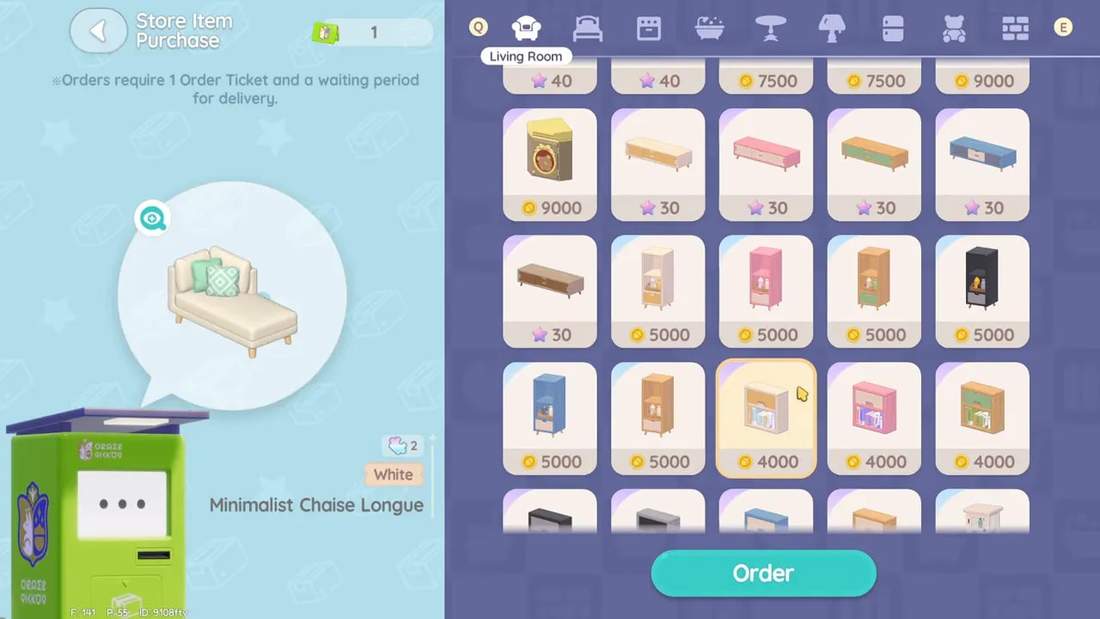
The catalog currently includes full categories for living room, kitchen, bathroom, outdoor items, and outfits. Expect common furniture, lights, appliances, decorations, and hats. Handhelds, style items, and pool blueprints were not available for me yet; those look like future additions.
Practical note
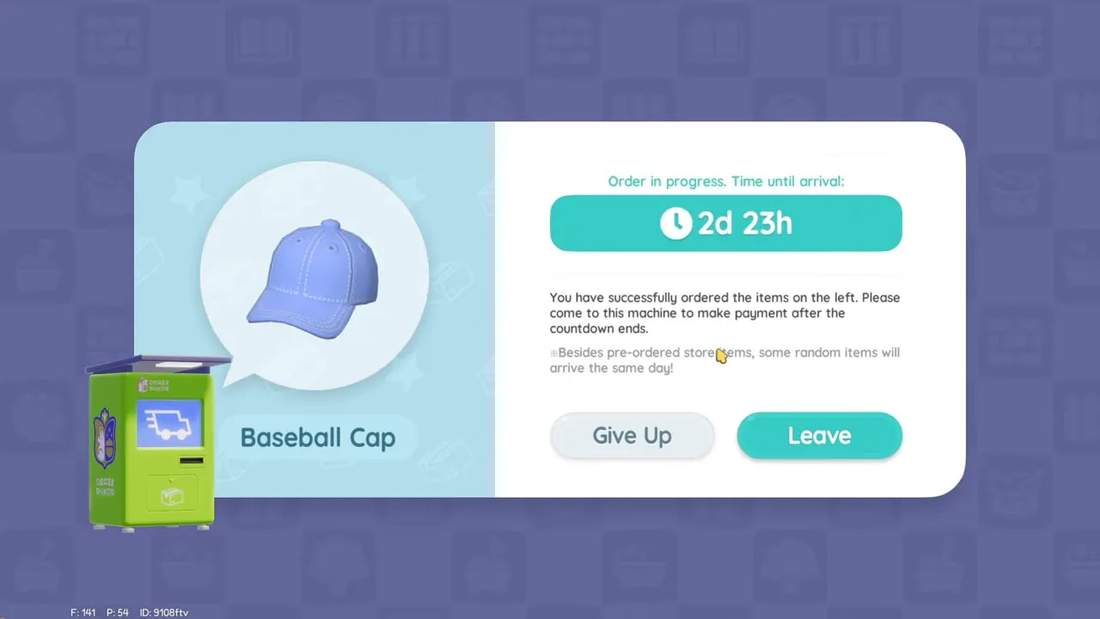
You can browse and select items at the machine, but once you confirm an order you cannot preview the order contents from the machine until the countdown finishes. Make sure you are certain about the item before confirming.
How long orders take and how to speed them up
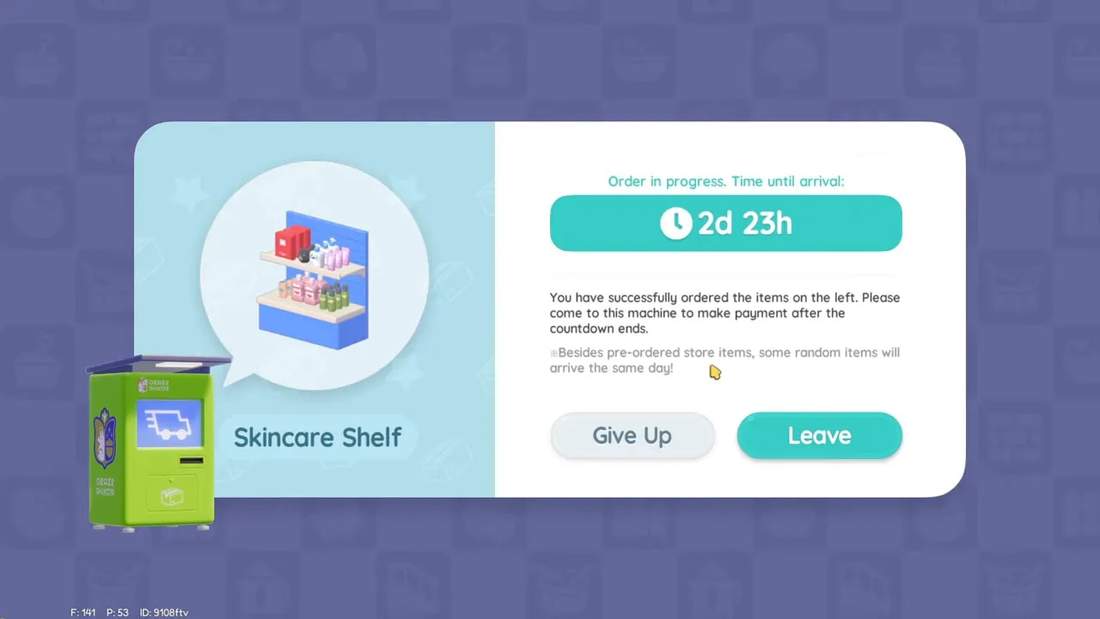
Base delivery for a pre-order is seven days. Each friend or fellow DG member who stamps your order ticket removes one day from the countdown. With four stamps you can reduce the wait to three days.
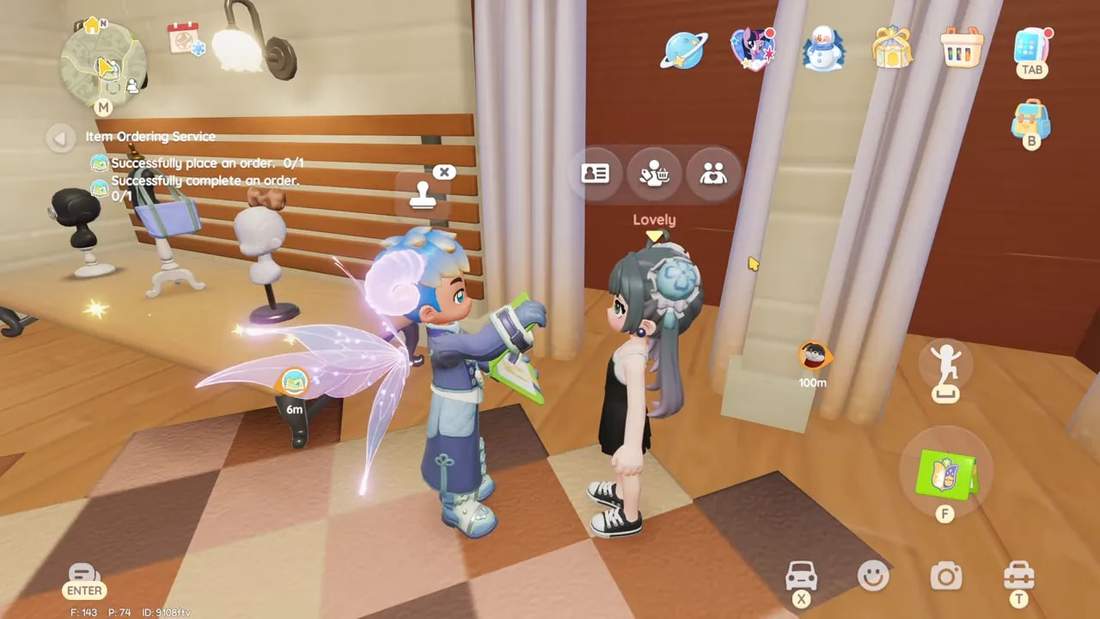
Stamping is simple: hold your ticket in the backpack, approach a player, and let them stamp. It commonly costs the stamper stamina (so bring food or energy items), but most players are happy to help. After four stamps the order completion time is trimmed to the minimum currently available.
Step-by-step ordering workflow
- Reach D.G. level 35 to unlock the machine.
- Obtain order tickets from surprise gotchas or resident request rewards.
- Open the Ordering Machine and pick the category and item you want.
- Hold the ticket and ask up to four players to stamp it to cut down delivery time.
- Confirm the order and wait the countdown at the machine.
- Return to the machine when the timer ends, pay the item cost, and collect it.
Tips and best practices
- Prioritize rare finds: Use tickets for items you otherwise would never see in regular rotation.
- Get stamps early: Stamps reduce days, not hours, so arrange stamps right away to shave off waiting time.
- Plan currency: You still need the item’s cost in wishing stars or gold at pickup, so have funds ready.
- Cancel if unsure: If you change your mind, give up your order to get the ticket back — no loss.
What’s missing and what to watch for
There has been chatter about water kits and pool blueprints becoming purchasable through the machine. Those pool pieces were not present for me yet. When they appear they are likely to cost premium currency — reports suggest around 110 red hearts — so keep an eye out for future expansions to the Ordering Machine feature.
Final thoughts
This Ordering Machine Guide Heartopia is aimed at making the system easy to use and efficient. The machine removes a lot of RNG frustration by letting you handpick items, and stamps make the waiting time manageable. Treat order tickets sparingly, coordinate stamps with helpful players, and you’ll get the exact décor or outfit you want without endless waiting.
If you want faster results, get into the habit of asking for stamps as soon as you create an order. The community is friendly and most players are willing to help — just bring a quick energy snack to refill their stamina.